8 collaboration benefits unlocked through Google Workspace–Microsoft 365 interoperability

 February 12, 2026
 February 12, 2026


Table of contents
- 1. Benefit #1: Using your preferred AI platform
- 2. Benefit #2: Saving money on licensing costs
- 3. Benefit #3: Avoiding vendor lock-in (and regaining negotiating leverage)
- 4. Benefit #4: Streamlining collaboration (and reducing workaround communication)
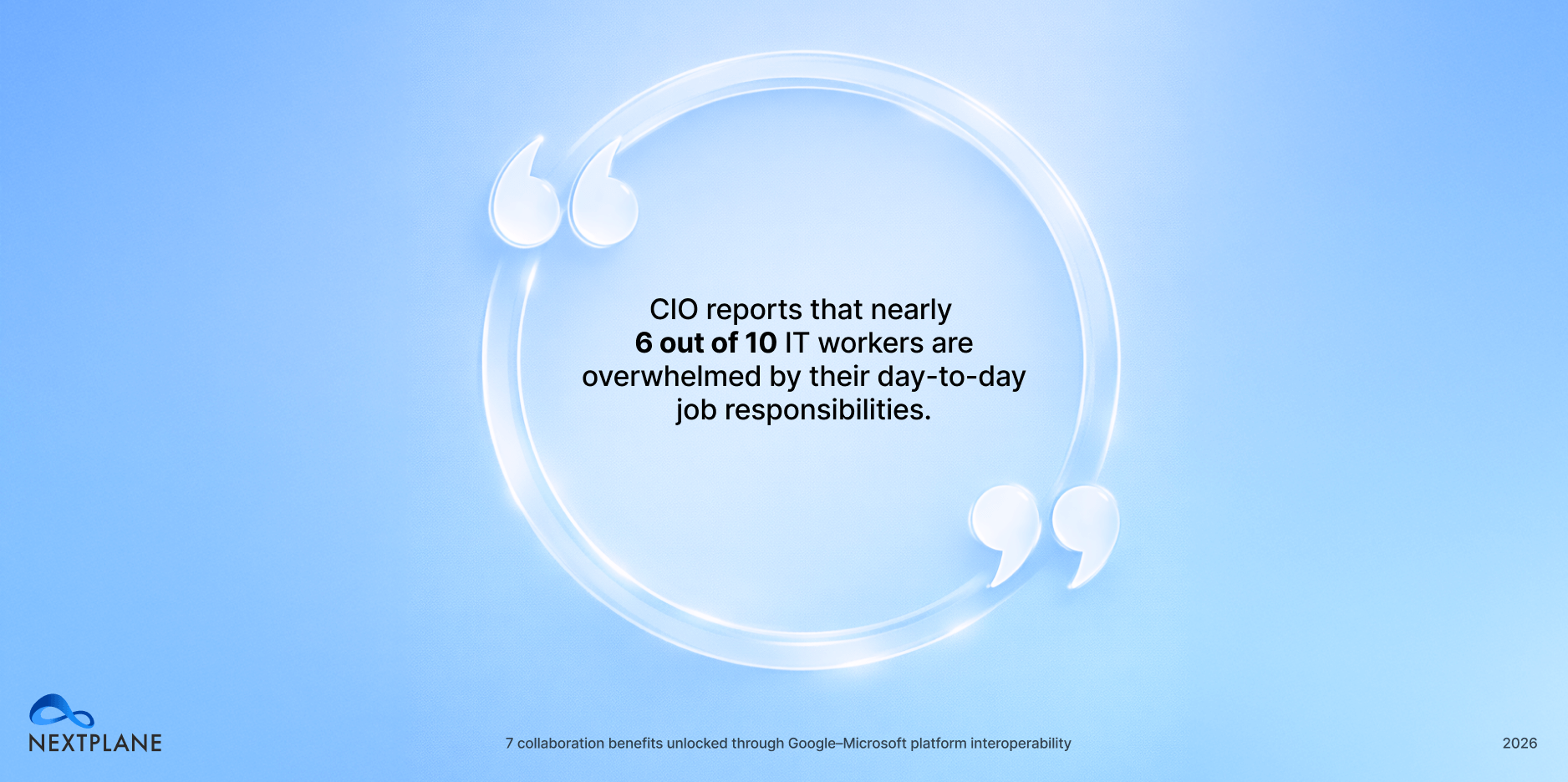
- 5. Benefit #5: Reducing operational strain
- 6. Benefit #6: Maintaining collaboration continuity
- 7. Benefit #7: Minimizing context switching
- 8. Benefit #8: Reducing shadow IT security risks
- 9. Checklist: What to look for in an interoperability solution
Connecting Microsoft Teams and Google Chat with an interoperability solution eliminates major collaboration pain points across your organization.
But instead of dwelling on what’s broken, we’re focusing on what you stand to gain.
Read on to learn about eight key benefits your organization unlocks when Google Workspace and Microsoft 365 work seamlessly together, connecting Microsoft Teams and Google Chat.
Benefit #1: Using your preferred AI platform
When you force everyone to stay within a single ecosystem, whether Microsoft or Google, you steer them toward Copilot or Gemini, each platform’s respective AI companion.
And that’s not necessarily the best move. Gemini can be a strong fit for creative generation and web-grounded work, while Copilot is often a better fit for productivity gains across Microsoft’s core apps and workflows. In other words, your finance team might be all-in on Copilot, but your creatives might prefer Gemini.
Interoperability gives you flexibility. Instead of locking everyone into one ecosystem, you can support a hybrid model where departments use the tools that best support their work — without breaking collaboration across the business.
Benefit #2: Saving money on licensing costs
By enabling interoperability, organizations can move users who don’t necessarily need Microsoft 365 to Google Workspace — avoiding Microsoft’s exorbitant license fees, which can reach $57/user/month.
With an interop solution, moving users to Google Workspace not only reduces licensing spend, but it also enables seamless collaboration across both platforms, so teams on either platform can continue to work together effectively.
Benefit #3: Avoiding vendor lock-in (and regaining negotiating leverage)
When collaboration depends on a single vendor’s ecosystem, your organization becomes more vulnerable to that vendor’s roadmap decisions — think pricing changes, packaging shifts, feature deprecations, and forced migrations.
Interoperability reduces lock-in by making cross-company collaboration less dependent on standardizing on a single suite of tools. Instead, you can operate with real optionality.
An interop platform gives you the freedom to choose what fits for the task at hand. You can keep Google Workspace where it works best and Microsoft 365 where it’s a better match — without penalizing teams by forcing them to navigate broken collaboration.
Plus, you benefit from lower switching costs over time. If you ever need to consolidate (or divest) later, you’re not starting from a place of fragmented communication and siloed work.
Interoperability also gives you better negotiation leverage when your contract is up for renewal. When you’re not forced into a single-vendor mandate just to maintain communication, you can negotiate renewals based on value — not urgency.
At the same time, interoperability also helps your organization stay resilient during change. M&A activity, reorganizations, regional requirements, and tool rationalization don’t have to disrupt day-to-day execution if collaboration can continue across both suites.
In short, interoperability helps you avoid becoming “captive” to one platform decision — and makes your collaboration strategy more durable as your business evolves.
Benefit #4: Streamlining collaboration (and reducing workaround communication)
When employees can’t collaborate seamlessly across Google Workspace and Microsoft 365, communication slows down — and people default to whatever works fastest in the moment.
Instead of connecting in real time across Teams and Google Chat, employees often resort to email to bridge the gap.
But email is a poor substitute for modern collaboration: threads get long, responses lag, context is buried in inboxes, and it’s harder to loop in the right people at the right time.
When email still isn’t fast enough, teams fall back even further to WhatsApp, iMessage, or plain texting just to get quick answers and keep projects moving. The result is predictable:
- Decisions and context get scattered across inboxes and personal message threads
- People miss updates because information isn’t in the primary collaboration tools
- It becomes harder to find history, onboard stakeholders, and maintain momentum
Interoperability fixes this by enabling real-time communication across both ecosystems, allowing teams to stay in their preferred tools while collaborating with everyone else, without any friction.
An interoperability solution that connects Microsoft 365 and Google Workspace solves this problem by enabling employees to seamlessly chat, share, and access files over different platforms.
Benefit #5: Reducing operational strain
Large-scale platform migrations are significant undertakings for IT, involving data transfer, identity and access alignment, coexistence of mail and calendars platforms, end-user onboarding, policy reconfiguration, and integration rebuilds.
Google’s enterprise migration guidance explicitly describes a phased approach in which core deployment activities typically take 3 to 9 months.
By enabling coexistence — rather than forcing an all-at-once cutover — interop can reduce operational load and risk, and free up IT to focus on higher-value initiatives.
Benefit #6: Maintaining collaboration continuity
When organizations move to a hybrid Google Workspace and Microsoft 365 environment, the biggest challenge isn’t the migration itself. It’s what happens next. Once users are split across platforms, teams still need to communicate seamlessly with colleagues who remain on the other side.
By using an interoperability solution that bridges the two platforms, organizations can maintain continuity across Google and Microsoft environments. Users can collaborate in real time regardless of the platform they’re using, ensuring productivity remains high when organizations operate in a hybrid model.
Benefit #7: Minimizing context switching
Without interoperability, people end up bouncing between Teams and Google Chat, plus separate email, file, and meeting experiences, just to stay in the loop. That constant context switching is a measurable drag on productivity.
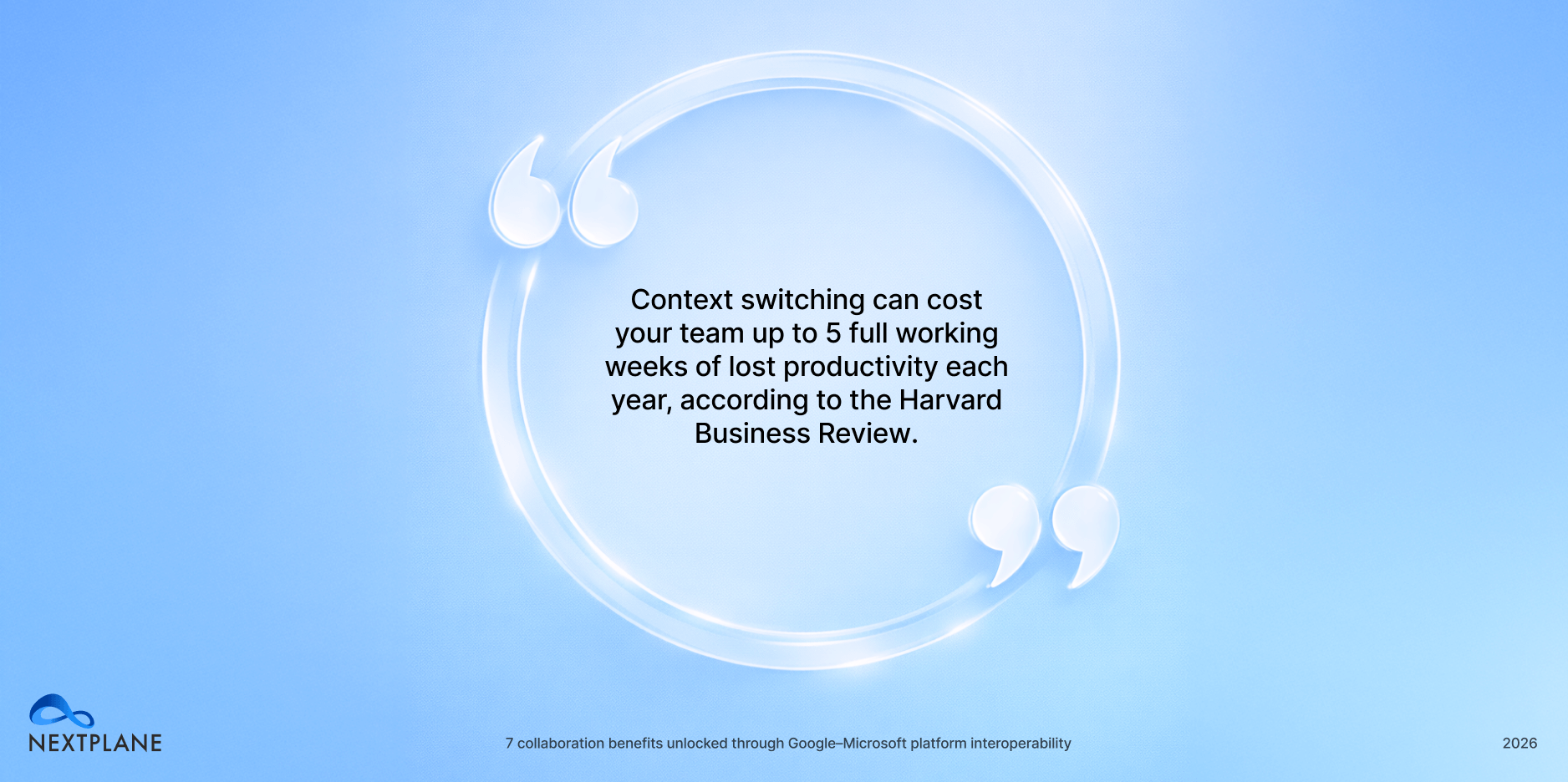
Interop reduces this “toggle tax” by letting users stay primarily in their preferred environment while still reaching colleagues and content across the other suite.
Benefit #8: Reducing shadow IT security risks
When employees aren’t able to communicate with colleagues and business partners using their preferred messaging platform, they often decide on workarounds not sanctioned by IT — like text messages or a familiar SaaS chat app.
By turning to these unapproved tools, employees expose their organizations to shadow IT risks:
- A lack of visibility into IT infrastructure leaves organizations exposed. When IT doesn’t know every application employees use, they can’t patch vulnerabilities and fix misconfigurations, significantly increasing the risk of a breach.
- Increased attack surface. As shadow IT grows, so does the organization’s attack surface. Applications that IT doesn’t know about are easier targets for attackers — especially when they’re protected by weak or reused credentials.
- Data loss. When employees start storing data in shadow IT apps, the organization might not be able to access it. If the employee leaves or is fired, they may still retain access to sensitive information (e.g., intellectual property and trade secrets), which could expose companies to more risk.
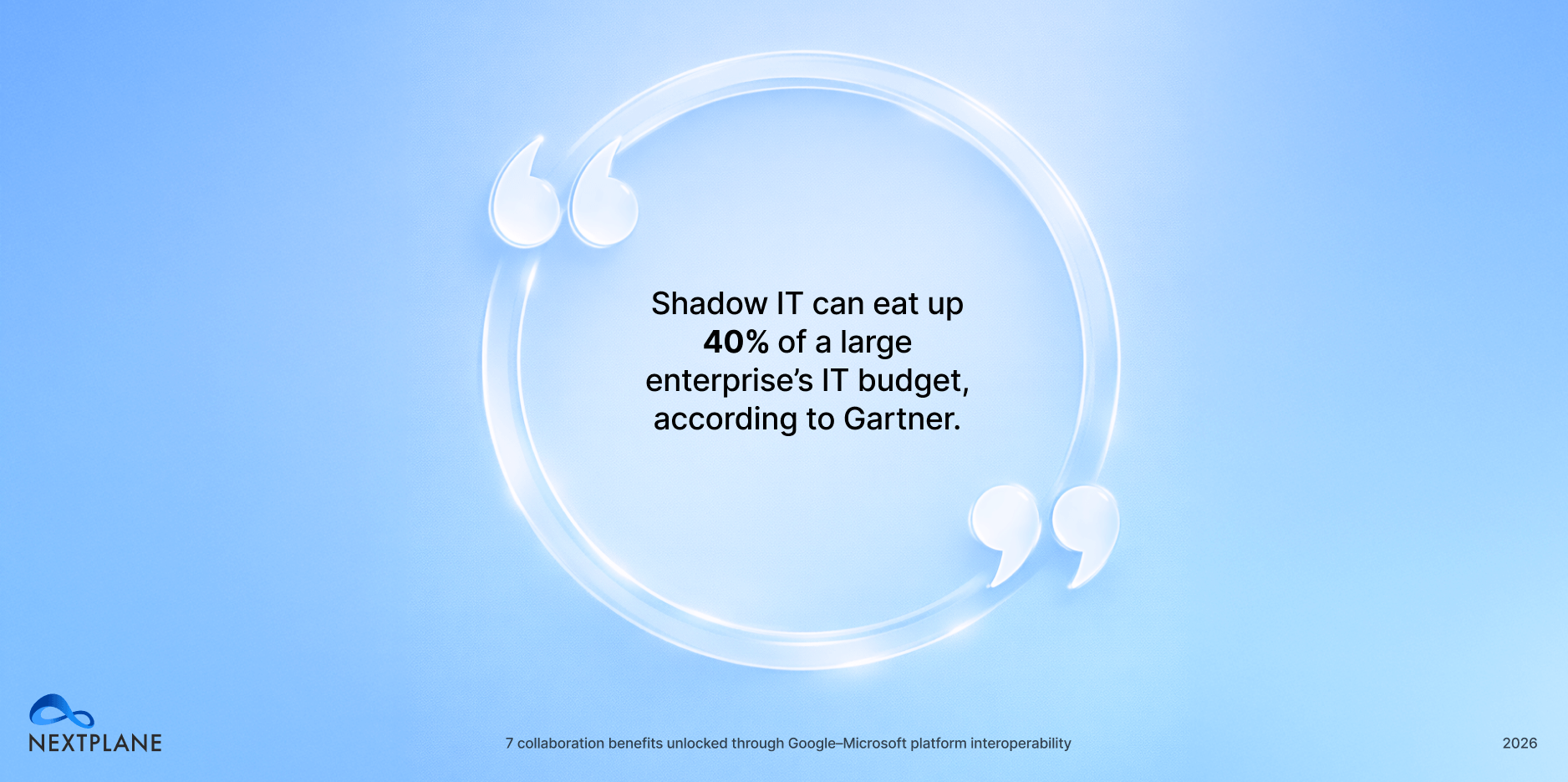
- Excess IT spend. Shadow IT leads to duplicate tools and unmanaged licenses that inflate costs and waste spend. According to Gartner, shadow IT can eat up as much as 40% of a large enterprise’s IT budget.
With interoperability, employees can stay put on their preferred messaging platform while collaborating with folks using different platforms, reducing these shadow IT risks.
Checklist: What to look for in an interoperability solution
The benefits of interoperability speak for themselves.
Once you’ve decided to connect Microsoft Teams and Google Chat, the next step is to find a solution that bridges the two platforms seamlessly and reliably.
Here are some key considerations to keep in mind as you narrow down your options.
✔️ Native user experience. Your interoperability solution should deliver a truly native user experience. If a Google Chat user sends a voice or video message to a colleague on Teams, those messages should still be delivered, even though Teams doesn’t support voice and video messaging.
✔️ Minimal application-level permissions. Make sure your interop solution requires minimal application-level permissions, ideally at the user level, to protect your data. Some solutions require super-admin-level permissions, which vastly expand your attack surface and can lead to serious security problems, as seen in the recent SharePoint hack.
✔️ Security-first design. To protect your business against hackers, look for interoperability tools built with a security-first design. The solution shouldn’t require its own database (which just expands your attack surface) or store logs internally, either.
✔️ Automatic synchronization. Interoperability should be seamless and turnkey. Admins shouldn’t have to sync conversations and channels across platforms, and channel owners shouldn’t have to either; synchronization should be instantaneous and automatic.
✔️ Minimal IT resources required. To make life easy for IT, pick a solution that doesn’t have a separate management portal and doesn’t add extra work to your team’s plate.
✔️ Flexible deployment. To comply with data residency requirements, your interop solution should offer deployment choice. That way, you can deploy regionally isolated instances (e.g., in Germany or France) to avoid hosting data on servers in the United States to maintain compliance with laws like GDPR and the Schrems II ruling.
To learn more about the easiest way to enable cross-platform collaboration across Microsoft Teams and Google Chat and unlock the benefits explored in this piece, contact sales.